

The M6 MacBook Pro brings more processor and graphics cores, but for M5 owners, the decision isn’t just about the speed boost. Memory, storage and applications used determine the budget to be allocated for the new computer.
Apple’s new M6 MacBook Pro poses the same question to those who bought the M5 model a year ago: Is there really a need to replace the computer? The short answer is that there’s no need to rush to switch if your current device isn’t holding up your work. Faster hardware does not mean the same amount of time savings for every user. Especially those who work with office applications, browsers, video calls and light photo editing should first determine at what point their computer is inadequate.
We covered the main differences between the generations in the short price and performance comparison published this morning. In this guide, we focus on the purchasing decision. The subject of the comparison is the 14-inch MacBook Pro with the standard M5 and standard M6 chip. Those using M5 Pro or M5 Max should not apply these results directly to their own computers. The generation number in the name of the chip does not alone determine the performance class of the product.
In which tasks does the difference between CPU and GPU become important?
According to Apple’s technical chart, the M6 carries a 12-core CPU and 12-core GPU. On the CPU side, there are two super, four performance and six efficiency cores. The M5 model has a 10-core CPU and 10-core GPU. Therefore, the gain of the new model does not only come from the same design running at a higher speed; The number and distribution of computing resources are also changing.
Apple announces up to a 30 percent increase over the M5 in select graphics work. However, this should not be interpreted as meaning that all applications will speed up by 30 percent. The effects used, file format, storage and the way the application uses the hardware affect the completion time of a project, as well as the processor. While more GPU cores may make sense in a GPU-intensive task, it may not make as much of a difference when opening a document.
Therefore, the most useful check for the M5 user is to measure his frequent work several times. Does video export take a long time, does the preview get stuck, or does the system slow down with too many apps open? These three situations do not require the same upgrade. Simply switching to a new chip without identifying the bottleneck can divert the budget to a point far from the actual need. If your job requires waiting for the same heavy operation many times during the day, it would be better to watch independent tests of the new model specifically for that application.
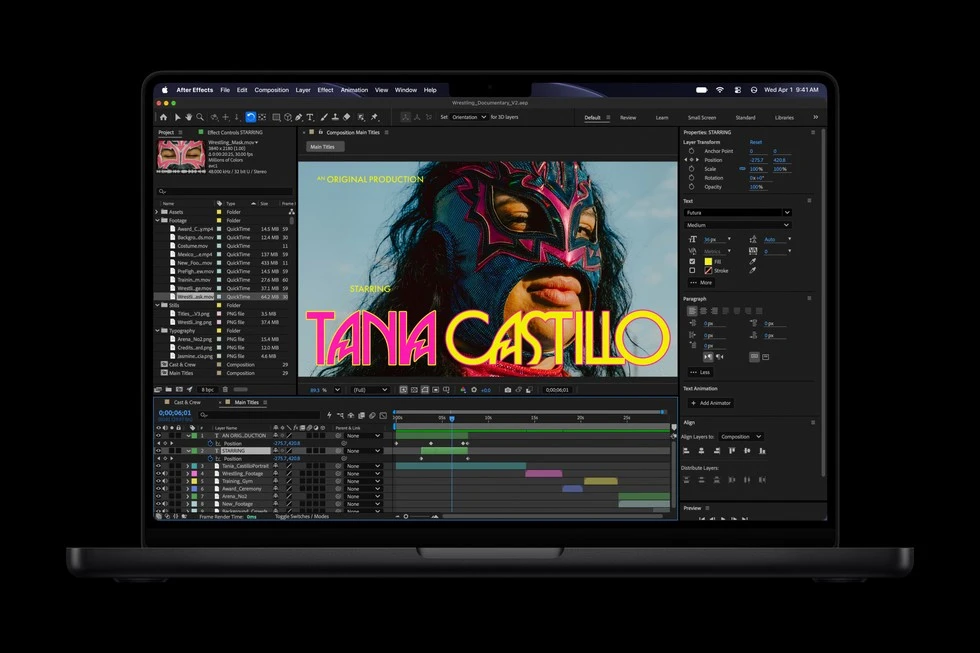
Memory bandwidth is not the same on every M6 model
The important detail in the technical table of the M6 is that the bandwidth changes with the memory capacity. 153 GB/sec is given in the 16 GB version, and 170 GB/sec is given in the 24 GB and 32 GB versions. The bandwidth of M5 is 153 GB/sec. So it’s not right to say that everyone who buys the entry-level M6 gets an increase in this title.
Capacity and bandwidth are also different issues. The first refers to the space that can be allocated to data that can be studied simultaneously, and the second refers to the speed of transfer of this data. For a user working with many large files and applications, reaching the capacity limit can be more decisive than a small processor difference. Therefore, when deciding between 24 GB M5 and 16 GB M6, you should not only look at the chip name.
Check the Memory section of Activity Monitor on your current Mac with your daily workload on. If memory pressure increases frequently, choosing the same capacity on the new computer may not change the underlying problem. On the other hand, do not consider memory usage a problem for light tasks just because the number seems high. Chalk the decision up to the actual idling of the computer, the behavior of the applications, and your regular workload.
Is the new chip alone enough for local artificial intelligence?
M6 comes with dual 16-core Neural Engine and Neural Accelerators on GPU cores. M5 also has GPU accelerators and 16-core Neural Engine; Therefore, the previous model does not turn into a computer that does not support artificial intelligence tasks. Apple’s M5 announcement had already revealed the emphasis on GPU-based artificial intelligence operations in this generation.
In its M6 announcement, Apple mentions up to a 25 percent increase in certain AI jobs over the M5. However, for those who want to run a large language model on a computer, whether the model fits into memory is also a fundamental criterion. The newer processor does not automatically compensate for insufficient memory capacity. It is not a healthy approach to change computers only “for artificial intelligence” without examining the requirements of the model you will use.
Another distinction is between cloud services and local operations. If the response preparation for an artificial intelligence service you use through the browser takes place on the server, changing your computer’s chip may not increase the speed at the same rate. If you’re using a native model, photo processing plug-in, or authoring tool, look directly at the Apple chip support and memory requirements for that software. An overall AI score does not represent all of these usage patterns.
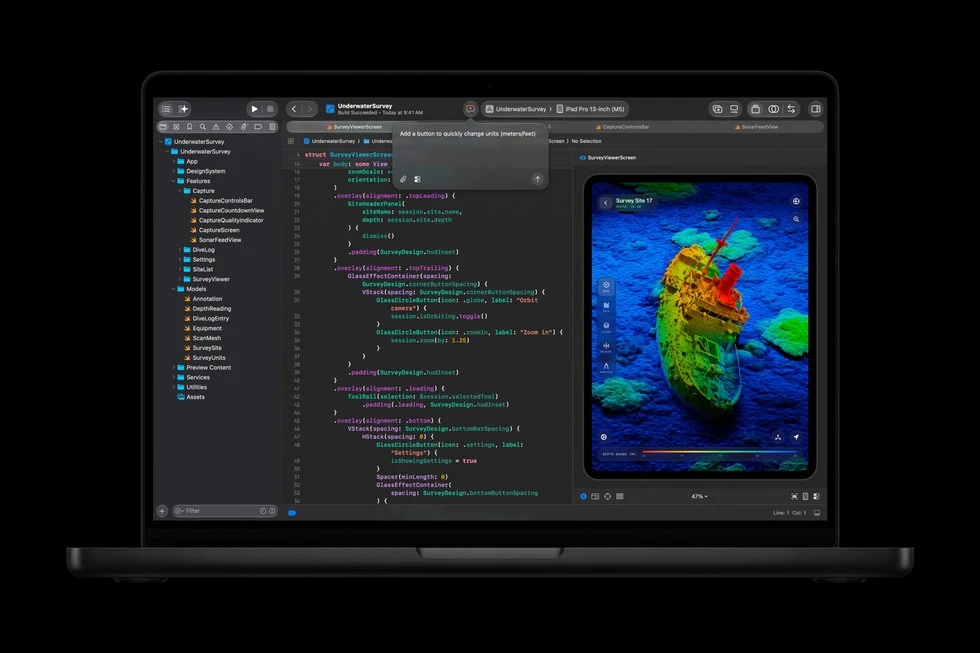
What changes in the screen, battery and connections?
Both models offer a 14.2-inch Liquid Retina XDR display, 3024 × 1964 resolution and ProMotion up to 120 Hz. The nano-texture option was also available in the M5. Therefore, there is no strong justification in the technical table to switch from M5 to M6 just with the expectation of a better screen. For those working in bright environments, choosing a screen coating may be a more concrete decision than a generation change.
On the battery side, Apple announces up to 24 hours of online video and up to 16 hours of wireless web use for both models. These numbers are not uninterrupted video editing or gaming time. Since screen brightness, open applications and workload change usage time, only measurements under similar conditions can show the real battery difference between two computers. If the time was shortened because the M5’s battery was worn out, this should not be confused directly with the efficiency advantage of the new chip.
Wireless connectivity is one of the more obvious differences of the new model. The M6 has Wi-Fi 7 and Bluetooth 6, while the M5 has Bluetooth 5.3 with Wi-Fi 6E. Three Thunderbolt 4, HDMI, SDXC and MagSafe connections are protected. To evaluate the benefit of Wi-Fi 7, also take into account the network infrastructure you use. If your current router and internet connection are limiting, simply refreshing the computer may not bring the change you expect.
Compare the same configuration in Türkiye prices
The starting price of M6 MacBook Pro in Türkiye is 137,999 TL. The entry configuration includes 16 GB memory and 1 TB SSD. Apple Türkiye store shows the start of pre-order as 28 October at 20.10 and the sales date as 6 November. Since pre-orders have not yet started at the time the guide was being prepared, it is not possible to give an exact date for the personalized delivery time.
The 94,999 TL starting price of the M5 announced in 2025 is not today’s sales offer. Moreover, that entry model had a 512 GB SSD. That’s why it would be misleading to put the two starting prices side by side and count the difference as just the cost of the chip upgrade. When shopping, compare offers with the same memory, same storage, same screen finish and same warranty terms.
In the live sales check dated October 28, 2026, an offer of 114,979 TL was seen for the 16 GB/1 TB silver model of M5; The seller is Nenatech. The Troy Apple Premium Partner offer for the same product was 129,999 TL. These are comparable in capacity to the M6’s 16GB/1TB start; The price differences are 23,020 TL and 8,000 TL respectively. Do not consider the first difference as a definite savings without equalizing the seller and warranty conditions. We do not provide a purchase link here as official manufacturer or direct store sales have not been verified; prices may change.
For M5 owners, the calculation is even different. You need to subtract the price of the new computer from the amount you can actually afford for the old device. The asking price in the listings is not the same as the completed sale. When you take into account the time you will spend for installation and data migration, it becomes clear that the upgrade decision is not just about technical features. Those looking for a reduced price M5 should check the seller, box condition and exact part number of the product.
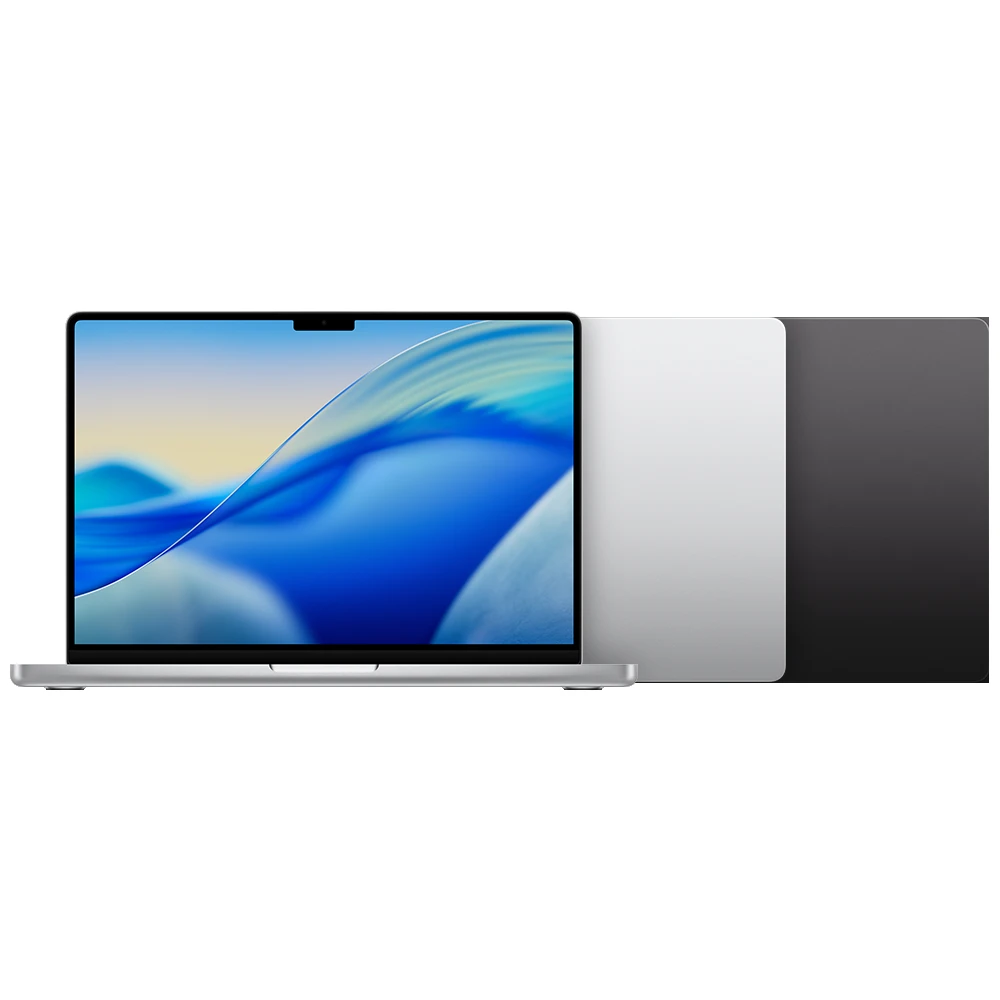
Different suggestions for M5 owners and new buyers
If your M5 gets your work done comfortably, it’s a more balanced choice to continue using it rather than switching to the M6. The new model has its advantages, but the screen and announced battery times alone do not constitute a reason for replacement. If you need higher memory capacity or a particular heavy task regularly wastes time, consider upgrading based on that shortcoming.
For the first-time user, M6 stands out with its new generation hardware and 1 TB initial storage. However, if an M5 of equivalent capacity is available at a significantly lower price, it is possible that the savings will be more valuable than the speed sacrificed in daily use. There is no fixed discount percentage that suits everyone here; Your usage time and the work you do are decisive.