

Summary of securing your WhatsApp account
Apply from your secure phone; If you have logged out of your account, follow the re-registration step.
- 1
Control connected devices
If your WhatsApp account is open, log out of unfamiliar sessions in the Connected devices section. If you have logged out of your account, log in again with the registration code sent to your number.
- 2
Warn your loved ones and turn on additional verification
Be warned of requests for money and codes via phone or SMS. Once you regain access, enable two-step verification in the Account section.
1. Check WhatsApp connected devices immediately
Don’t assume that just because your account is open on your phone, no one else has access to it. From WhatsApp’s menu on Android, from the Settings section of the application on iPhone. Connected devices open the screen. Review your own computers, tablets, and other connections in the list. Tap on a record you don’t recognize and use the exit option; You can also turn off the connection you are not sure about and reconnect your device later. WhatsApp’s help document for connected devices confirms that you can close active web sessions from the phone.
Do not perform this check only when you have a security problem. You may forget a session you opened on a public computer or left in a browser you no longer use. Reviewing the device list regularly will allow you to keep track of where your account is open. On the other hand, you cannot definitively infer the identity of the attacker from the list. WhatsApp states that it cannot provide information about the identity, access time and location of the person accessing the account.
2. Re-login to your WhatsApp account with your number
If you have logged out of your account, open WhatsApp and start the login flow again. Enter your phone number with the country code when prompted; If you are using a Turkish number, check that you have selected the correct country. Then enter the six-digit registration code you receive via SMS or phone call into the app. According to WhatsApp’s official recovery document, when you re-register with this code, other devices in the account will be logged out. Do not share the code with a friend, family member, or anyone posing as a support worker.
If the app asks for a two-step verification PIN you don’t know, the attacker may have turned on this protection. WhatsApp says that in this case, you may have to wait seven days and try again. However, when you enter the six-digit SMS code, the other person is logged out. If you cannot access the SIM card of the same number, first contact your operator and get your line back. Do not treat regaining control of the account as the same as restoring chat history.
3. Warn people who receive messages from your WhatsApp account
When trying to regain access, notify your relatives by phone, SMS or another reliable channel. Tell them to ignore requests for money, links, and codes from your account. Also reach out to admins of partner groups and ask them to share a brief warning. Thus, you make it difficult for the attacker to exploit the trust he has established in your name.
Keep the warning as concrete as possible: You can say, “There is suspicion of unauthorized access to my WhatsApp account, verify the money and code requests in my name by phone.” Do not re-insert the link sent by the attacker into the alert message; If you are going to share screenshots, hide personal information. For the same reason, a message from a friend’s account is not considered reliable on its own. Meta explains in its security announcement that scammers direct users through familiar contacts and a sense of urgency.
4. Enable WhatsApp two-step verification
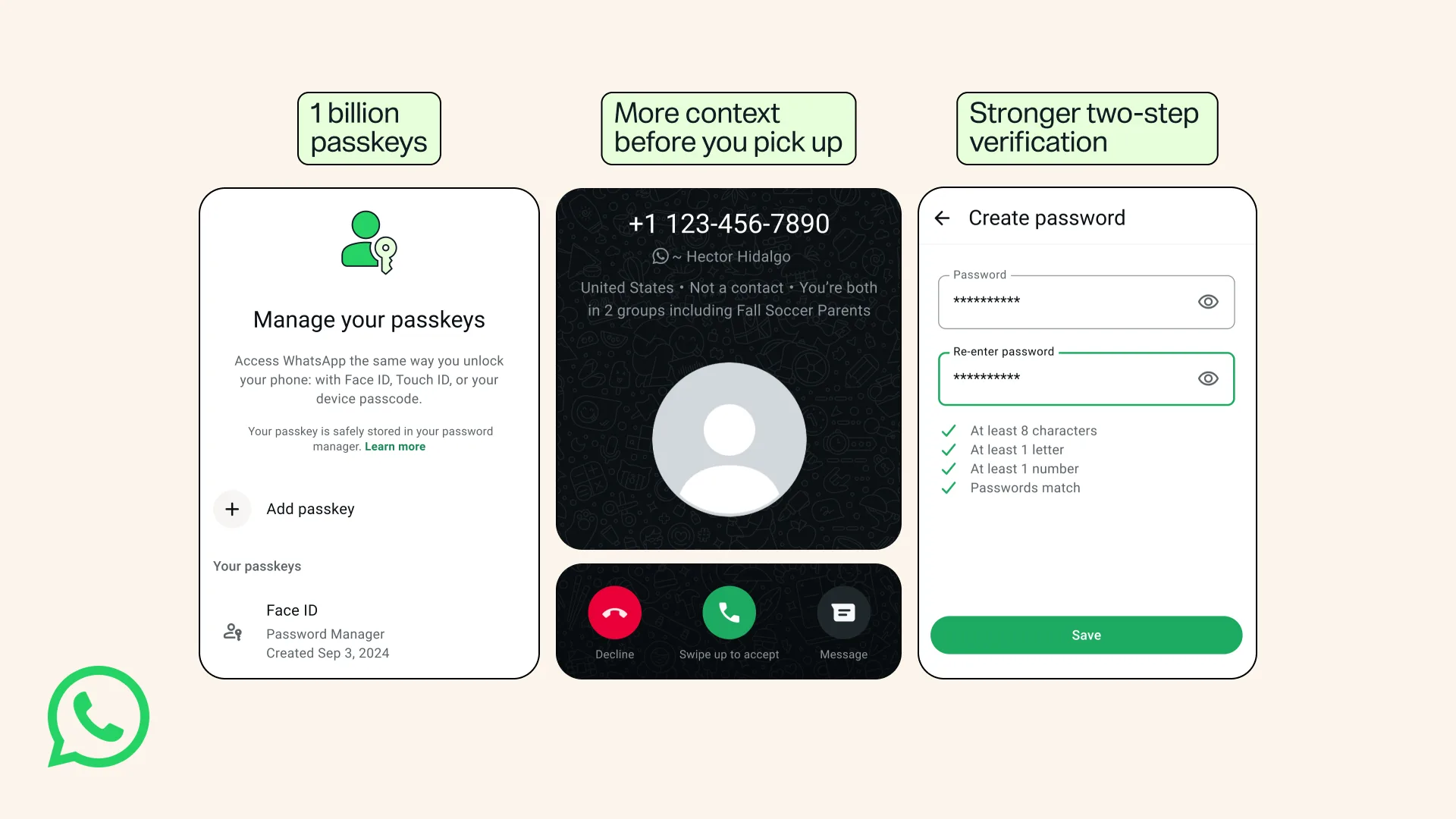
Once you’ve secured the account, go to Account in Settings and turn on two-step verification options. Follow the on-screen instructions and check your recovery information. The purpose of this protection is to make it difficult for someone to access your account if they obtain your registration code. Do not reuse a password you have used for other services; Also review the security of your recovery email. WhatsApp’s statement states that two-step verification offers an additional layer of authentication.
The options you see here may be different from the screens in old guides. In its August 2026 announcement, Meta announced the transition from a six-digit PIN to a longer password structure that can contain letters and special characters. Therefore, follow the current flow offered by your application. You can also review the passkey options in the Account section. However, do not replace additional protections with explicit foreign logout.
5. Don’t fall into the WhatsApp recovery link trap
Open the application yourself when you see the “Click here to recover” messages. Especially stay away from pages that ask for your phone number and device connection code under the pretext of contests, voting or viewing photos. Scanning a QR code or entering a pairing code in the app may link another device to your account. Meta’s official statement specifically exemplifies such device binding scams. Just because a message comes from someone you know does not make the transaction within it secure.
Update your phone’s operating system and WhatsApp; Do not use unofficial WhatsApp versions. Meta’s description of device authentication explains that the malware can target authentication information on the device. Do not consider the account procedures in this guide as malware removal. If you’re suspicious of the device itself, don’t just log in again and get reliable technical support.
Frequently asked questions about WhatsApp account recovery
Can anyone else access my account even when the application is open?
Yes, you should check the possibility of access via connected devices. Staying logged in on your phone is not a guarantee.
What should I do if a two-step verification PIN appears that I don’t know?
Watch the official recovery stream. WhatsApp states that if you do not know the PIN, you may have to wait seven days.
Does two-step verification automatically remove the foreign device?
Do not use this as a logout method. Control connected devices; If the account has been compromised, follow the official re-registration steps.