

Combining QHD resolution and a high refresh rate on a 27-inch monitor is an attractive formula for those who want to work and play at the same time. AOC Q27G4XF adds 180 Hz refresh rate and a floating stand to its Fast IPS panel with a resolution of 2560 × 1440 pixels. However, what these features offer in daily use depends on which computer and with which cable you connect the monitor.
We used the Q27G4XF with a MacBook Pro M4, MacBook Pro M1 Max, and Asus Vivobook S 15 over HDMI. During the review, we focused on writing, working with multiple windows, visual editing and watching movies. We reviewed game-specific options, but we didn’t game test for motion sharpness or input lag. For this reason, we evaluate manufacturer data on gaming performance separately from usage observations.
Design and ease of use
Q27G4XF has a simple appearance with its flat screen and thin bezels on three sides. Its black front looks more subdued than gaming equipment with prominent decorations. The stand’s minimal leg does not take up much space on the table; We liked that it left space when placing the keyboard and other equipment.
It’s easy to turn the screen left or right. This move is useful in collaborative moments where you show a document or image to the person next to you. The stand also offers tilt and height adjustment. AOC states the height adjustment is 130mm; We would have liked a slightly wider range during use.
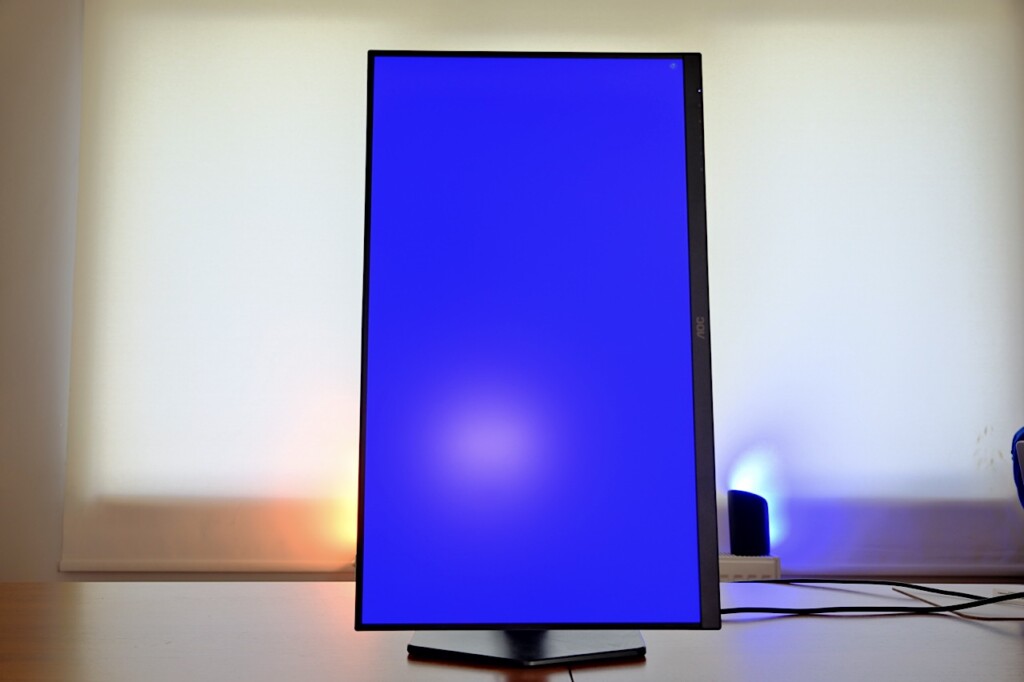
The monitor can also rotate to a vertical position, but to rotate, you must first pull the panel forward a little. When you do not do this, the mechanism does not allow turning the screen. At the first try, it may seem like vertical use is not possible. If you want to attach the monitor to your own arm, there is a 100 × 100 mm VESA connection on the back.
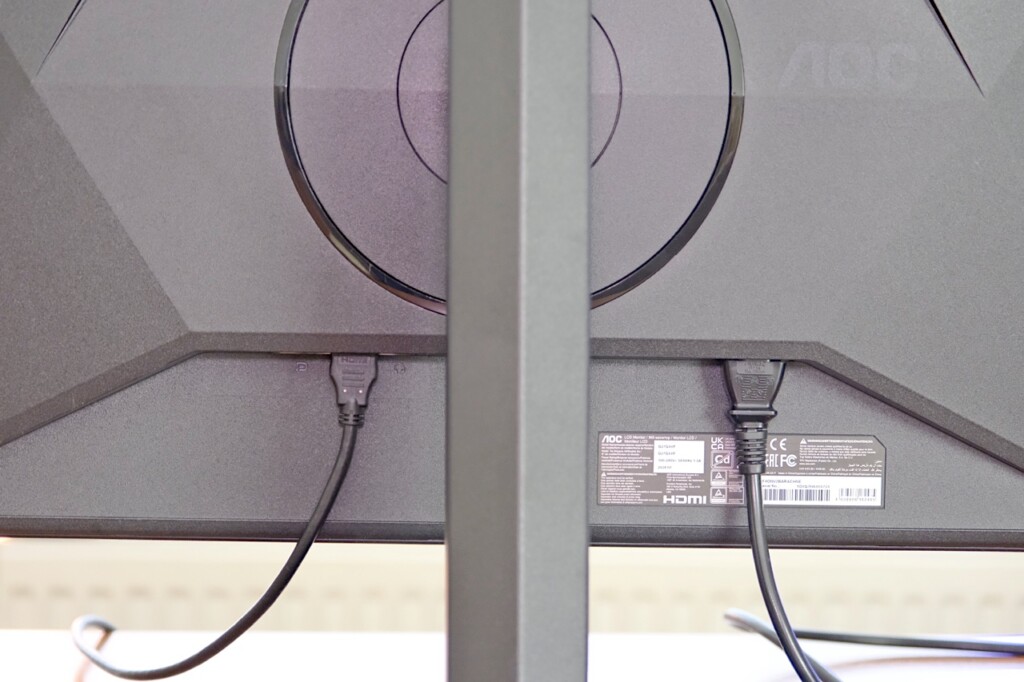
Connections include an HDMI 2.0, a DisplayPort 1.4 and a 3.5mm headphone output. Ports face downwards. This layout makes organizing cables easier, but it becomes a little difficult to see the correct port when connecting a new device. Since there is no USB-C port or USB multiplexer, you cannot use your laptop for image transfer and charging via a single cable.
The buttons that manage the on-screen menu are located on the bottom right edge and are easy to access. On the other hand, navigating the menu with the keys is not very smooth; You need to get used to it for a while before reaching the setting you want. If your monitor has display settings that you change frequently, this detail becomes important in daily use.
What does the QHD display offer in operation?
The 2560 × 1440 pixel resolution of the 27-inch panel corresponds to a density of approximately 109 pixels per inch. Texts look clear and legible. Although the contrast of the image seemed a little high at first glance, this did not make it difficult to read the text. Especially those who move from a laptop screen to a larger area will immediately see the difference when arranging windows.
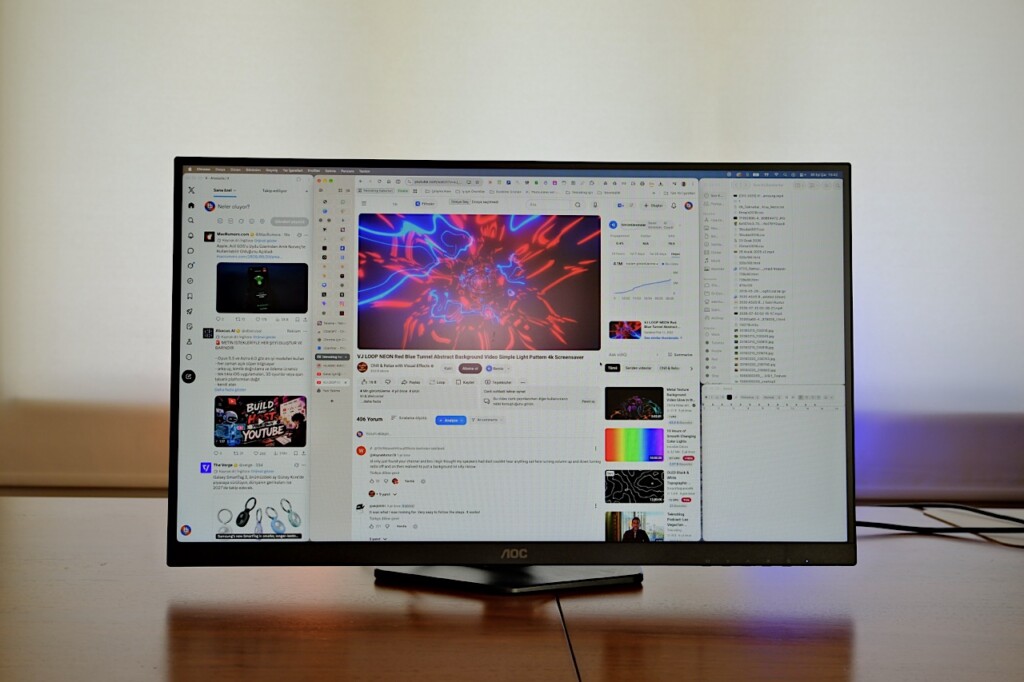
We were able to easily place Chrome, X app, Finder and Notepad windows on the same screen. The 27-inch QHD space was more than enough when typing and editing images. The need to keep the source page open on the one hand and constantly bring the windows to the front to work on the text on the other has diminished. One of the Q27G4XF’s biggest strengths outside of gaming is this workspace.
At the natural color setting of the Fast IPS panel, the image is bright and vivid. Those who want a more controlled color view can switch to the sRGB option from the on-screen menu. AOC describes typical brightness as 300 nits, typical contrast as 1000:1, and DCI-P3 color space coverage as 93.4 percent. These are the manufacturer’s technical values; Since we do not measure color accuracy, we do not score the monitor for professional work that requires calibration.
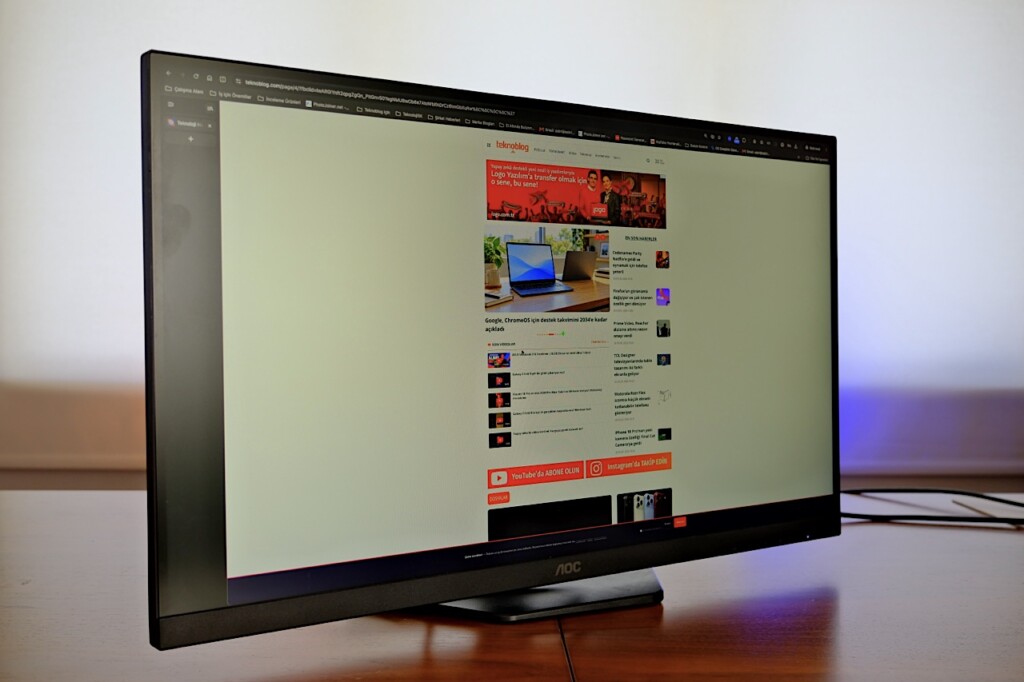
We evaluated brightness not only in a closed working environment. The monitor could also be used easily in daylight on the veranda of the summer house. This observation does not replace a brightness measurement, but it shows that the screen does not cause problems when typing or surfing the internet in a bright environment.
Movie and HDR experience
The Q27G4XF’s menu includes HDR display modes for movies and games. When switching to HDR mode, the image brightness increases slightly; Dark scenes are distinguished more easily and tone differences become evident. This change improves the experience for those who like to watch movies on the computer. However, the monitor does not offer a perfect movie experience and one should not expect the effect of a high-end HDR display.
AOC lists the monitor’s HDR10 support. While the technical specifications include 300 nits typical brightness, the local dimming feature is not specified. Therefore, it would not be right to see HDR10 support as a promise of very high brightness HDR images. It is necessary to evaluate the technical HDR compatibility separately from the improvement observed in daily film use.
144 Hz with HDMI, 180 Hz with DisplayPort
The 180 Hz refresh rate of the Q27G4XF is valid with a DisplayPort 1.4 connection. According to AOC’s technical information, the upper limit for QHD resolution over HDMI 2.0 is 144 Hz. When we connected the MacBook Pro M4 via HDMI, we saw the 144 Hz option for a resolution of 2560 × 1440 pixels. Thus, it turns out that not being able to see the 180 Hz value of the monitor when using HDMI does not mean a device malfunction.
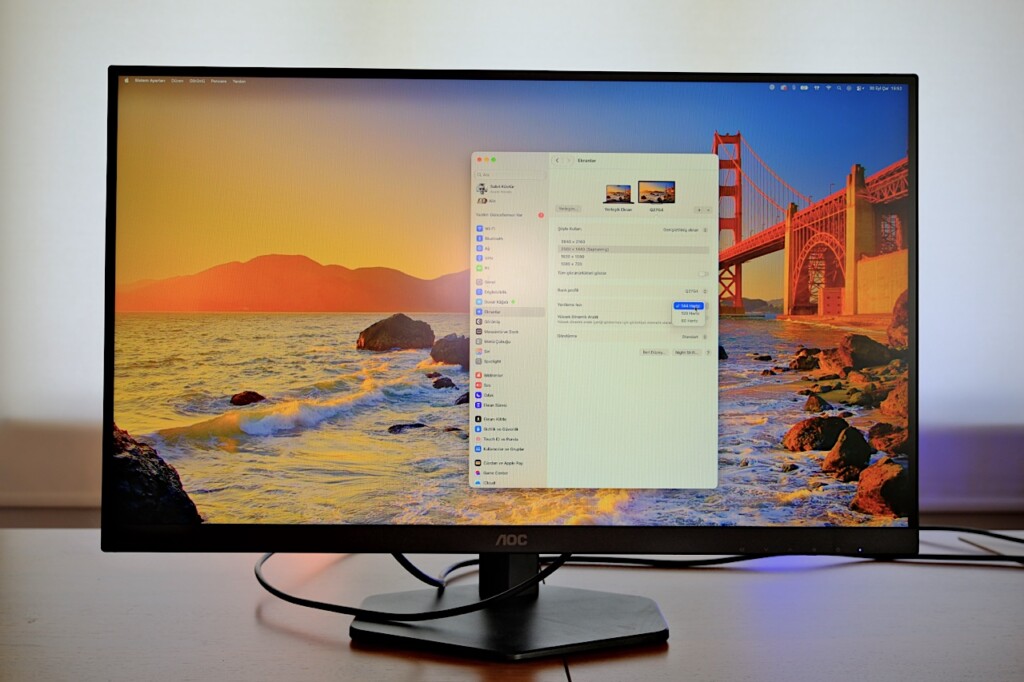
When switching to the 3840 × 2160 pixel option in the display settings of the MacBook Pro M4, a maximum of 60 Hz could be selected. This option does not make the monitor’s panel 4K; The native resolution of the Q27G4XF is 2560 × 1440 pixels. The MacBook Pro M1 Max and Asus Vivobook S 15 were also used via HDMI, but the peak refresh rate on these two computers was not checked separately.
AOC gives an MPRT value of 0.5 ms with a gray-to-gray response time of 1 ms. These numbers do not refer to the same measurement: GtG relates to the transition of a pixel from one tone to another, while MPRT relates to the perceived sharpness of a moving image. The monitor also offers Adaptive Sync and NVIDIA G-SYNC Compatible support. Since we have not comparatively tested imprinting and latency in games, we do not draw a direct gameplay conclusion from these technical values.
Display modes specific to game types, shadow control, reticle and low input lag options are available in the on-screen menu. AOC’s G-Menu software also allows you to access settings via the software on compatible computers. These features complete the monitor’s gaming identity, but since the majority of usage during the review period was work and movies, we cannot make a definitive assessment of their contribution to games.
Conclusion: Should AOC Q27G4XF be purchased?
The AOC Q27G4XF is sold as a gaming monitor, but it makes strong use cases on the work and movie side as well. Clear texts, enough space for side-to-side windows, visibility in daylight and the movable stand that takes up little space on the table were the prominent advantages during use. HDR modes also made details more visible, especially in dark movie scenes.
Those looking for a single-cable laptop connection via USB-C, those who will frequently use the menu managed by physical keys, and those who want a more assertive HDR experience should take the limitations into consideration. 144 Hz at QHD resolution can be used via HDMI; DisplayPort connection required for 180 Hz. Those who are considering purchasing the monitor especially for competitive gaming would also want to look at additional tests that include motion sharpness and input lag measurements.
8.5
8.6
8.9
7.7
7.2